

The “Free” Tool You Just Used
Probably Sold Your Data.
Here is why that is completely legal, exactly how the online tools risk factor works, and why the device you already own can replace every cloud tool you rely on — for free, with zero data leaving your machine.

When You Upload a File, You Are Not Just Sharing a File
The most overlooked online tools risk factor has nothing to do with malware or hacking. It is built directly into the business model.
When you upload a photo to a “free” online converter, your file lands on a server you have never heard of. The tool reads your photo. If your photo was taken on a phone, it comes with EXIF metadata baked into it — GPS coordinates showing exactly where you were, timestamp, device model, camera settings. That data does not disappear when the conversion finishes. It gets logged. It gets associated with your IP address, your browser fingerprint, and often your email if there was a signup wall you clicked through just to get the file.
That package of data — who you are, where you have been, what device you use, what time you do things — is worth real money to advertising networks, data brokers, and profiling companies. Not because any single upload is valuable on its own. Because they have ten million of them, cross-referenced, stitched together into a profile that knows you better than most people in your life do.
And here is the uncomfortable truth: this is not a security flaw or a bug someone forgot to patch. This is the business model. The conversion tool is not the product. The conversion tool is the data collection mechanism. The product is you.
The phrase “if the product is free, you are the product” understates the situation. You are not just a vague advertising demographic. You are uploading specific, traceable, personal files that carry a digital paper trail — and that trail goes somewhere you cannot follow and cannot erase.
| File Type Uploaded | Hidden Data Inside | Who Wants It | Risk |
|---|---|---|---|
| Photo / Image | GPS coordinates, timestamp, device model, camera settings (EXIF) | Location data brokers, advertisers, insurers | High |
| Audio Recording | Voice biometric data, background sounds, recording location, content analysis | Voice ID companies, surveillance tech, AI training datasets | High |
| Document / PDF | Author identity, edit history, tracked changes, embedded comments, company metadata | Competitive intelligence, corporate espionage, data resellers | High |
| Video File | Device identifier, shooting location, faces (AI-scannable), audio track | Facial recognition datasets, location profiling services | High |
| Any File Upload | IP address, browser fingerprint, device type, upload time, behavioral pattern | Advertising networks, data brokers, profiling companies | Med–High |
This data is aggregated, cross-referenced with other sources, and sold to buyers the uploader has never heard of. This is not speculation — it is the documented business model of the data industry, which generates hundreds of billions of dollars annually. For further reading, see the Electronic Frontier Foundation’s privacy research and Mozilla’s Privacy Not Included guide.
The Real Online Tools Risk Factor: Most Free Tools Have No Reason to Upload Your File at All
Modern browsers — Chrome, Firefox, Edge, even mobile Safari — can run heavy computational tasks locally using WebAssembly (WASM).
This is not a niche experiment or a beta feature. WebAssembly has been a W3C standard since 2019. It ships in every major browser. It runs at near-native speed. Video conversion, audio processing, image format transformation, AI background removal — all of this can execute directly on your device. The file never has to leave your machine.
Your phone or laptop is already powerful enough. The hardware that processes a video file in a cloud datacenter is not fundamentally different from the chip in the device you are reading this on right now. In many cases, your device is faster. The reason most “free” tools use cloud servers is not technical necessity. It is because the upload is the point. When you upload, they get the data. The conversion is just what keeps you from noticing.
There is also a second online tools risk factor that is less discussed. Even the act of uploading gives them something: your IP address and your browser fingerprint — a near-unique signature assembled from your OS version, screen resolution, installed fonts, timezone, and language settings. Even if you never sign up, never log in, and delete the file immediately after — they already got what they needed the moment the upload started.
After three years of research, a PhD student records 40 minutes of voice notes — the clearest articulation of their thesis they have ever managed. Years of thinking, finally clicking into place.
They transfer the audio to their laptop. Windows Media Player says: format not supported. The phone recorded in a format the laptop cannot natively play.
They Google “free audio converter online.” Click the first result. The interface looks clean and professional. They drag the 40-minute file into the upload zone and wait five minutes for it to complete.
They press Convert. A signup box appears.
The file is already on their server. There is no cancel. There is no rollback. The upload already happened. The company already has the audio — a recording of original, unpublished academic research. A recording of a voice that is a unique biometric identifier. Permanently.
Feeling trapped, they create an account with their email. Press download. A 30-second preview downloads. The rest is locked behind a paid subscription.
A local tool would have made this entire scenario impossible.
The upload happens first — deliberately, before any account requirement is shown. The data is the real transaction. The tool is the bait.
What the Business World Knows — And Most Users Do Not
Inside these companies — in their product teams, their data partnerships, their business development meetings — the value of what you just uploaded is extremely well understood.
They know exactly what file types yield what kinds of behavioral data. They know which brokers buy it. They know the downstream life of every upload. This information asymmetry is itself an online tools risk factor most users never think about.
Most users see a clean interface that says “Convert Free” and assume the transaction is simple: I give you a file, you give me a converted file, we are done. It is not simple. And the Terms of Service document that technically discloses the real arrangement is written to extract consent, not to communicate it.
If you actually read the ToS of most “free” converter sites, you will find language like: “you grant us a worldwide, royalty-free license to use, reproduce, and create derivative works from your uploaded content.” That sentence means your file can legally be used to train AI models, sold to third parties, and retained indefinitely. You agreed to it by clicking the button. This is why every online tools risk factor is backed by legal language you already accepted.
This information asymmetry — where one party knows exactly what the exchange is worth and the other does not — is one of the oldest structures in commerce. The digital version is just faster, more automated, and running at a scale of billions of interactions per day.
Why You Need Those Converters in the First Place — And Who Engineered That
You did not break your file. Your computer is not broken. The reason your photos do not open, your videos will not play, and your audio is unrecognised is because major technology corporations deliberately use incompatible proprietary formats as a business strategy. Incompatibility is a product feature, not a technical accident.
A family captures a wedding on an iPhone in ProRAW and HEVC. They try to share the files with relatives on Windows PCs and Android phones. Errors. Blank previews. Format not supported. To fix this — to access files from a device they own — they are steered toward third-party tools. And those tools are waiting with an upload field and a data collection infrastructure.
The format war creates the dependency. The dependency creates the upload. The upload creates the data. This chain is a deliberate online tools risk factor engineered into the ecosystem by design.
| Corporation | Proprietary Formats | Native Support Elsewhere | Impact on User |
|---|---|---|---|
| Apple | HEVC/H.265HEIFProRAWProRes | ❌ Broken on Windows default ❌ Fails on budget Android | Family photos unplayable on non-Apple devices. Forced codec purchase or ecosystem lock-in. |
| Microsoft | WMAWMVXPS | ❌ Poor on macOS ❌ Incomplete on Linux | Documents and media requiring Windows-specific players, creating cross-platform friction. |
| WebMWebPAV1 | ⚠ Partial on iOS ⚠ Mixed on desktop | Web media formats creating compatibility headaches when downloaded and shared offline. | |
| Samsung | Expert RAWMotion Photo | ❌ Proprietary Samsung viewer ❌ Breaks on other Android | Camera files that look correct only on Samsung hardware — memories locked to one brand. |
You Already Paid for This. You Are Being Charged Again.
When you buy a device, you are paying for hardware capability — a processor that can convert your video, RAM that can hold your audio file in memory, a GPU that can process your images. These capabilities belong to you.
When a manufacturer chooses not to provide tools to access those capabilities, and you are forced to use a third-party service instead, you are paying twice. This double-payment structure is one of the most financially damaging online tools risk factors, and almost nobody talks about it.
You Are Sitting on a Mountain of Capability You Have Never Used
We are living in the most hardware-rich era in human history. The average person in 2026 owns more raw computing power than entire research institutions had access to twenty years ago.
The phone on your nightstand has a multi-core processor, a dedicated GPU, gigabytes of RAM, and a neural processing unit designed to run artificial intelligence locally. Your laptop can encode 4K video in minutes. The hardware is not the online tools risk factor — the business model built around it is.
And yet — when someone needs to convert a video format, extract audio from a clip, remove a background from an image, compress a batch of photos, or generate a QR code — the standard answer is: go find a website that will do it for you. Upload your file there. Wait.
We are sitting on mountains of capability and being handed buckets to carry water. This is not a technology problem. The technology has been solved. This is a business model problem — and understanding this online tools risk factor is the first step to protecting yourself.
The Capability Gap — What Your Device Can Do vs. What You Actually Use
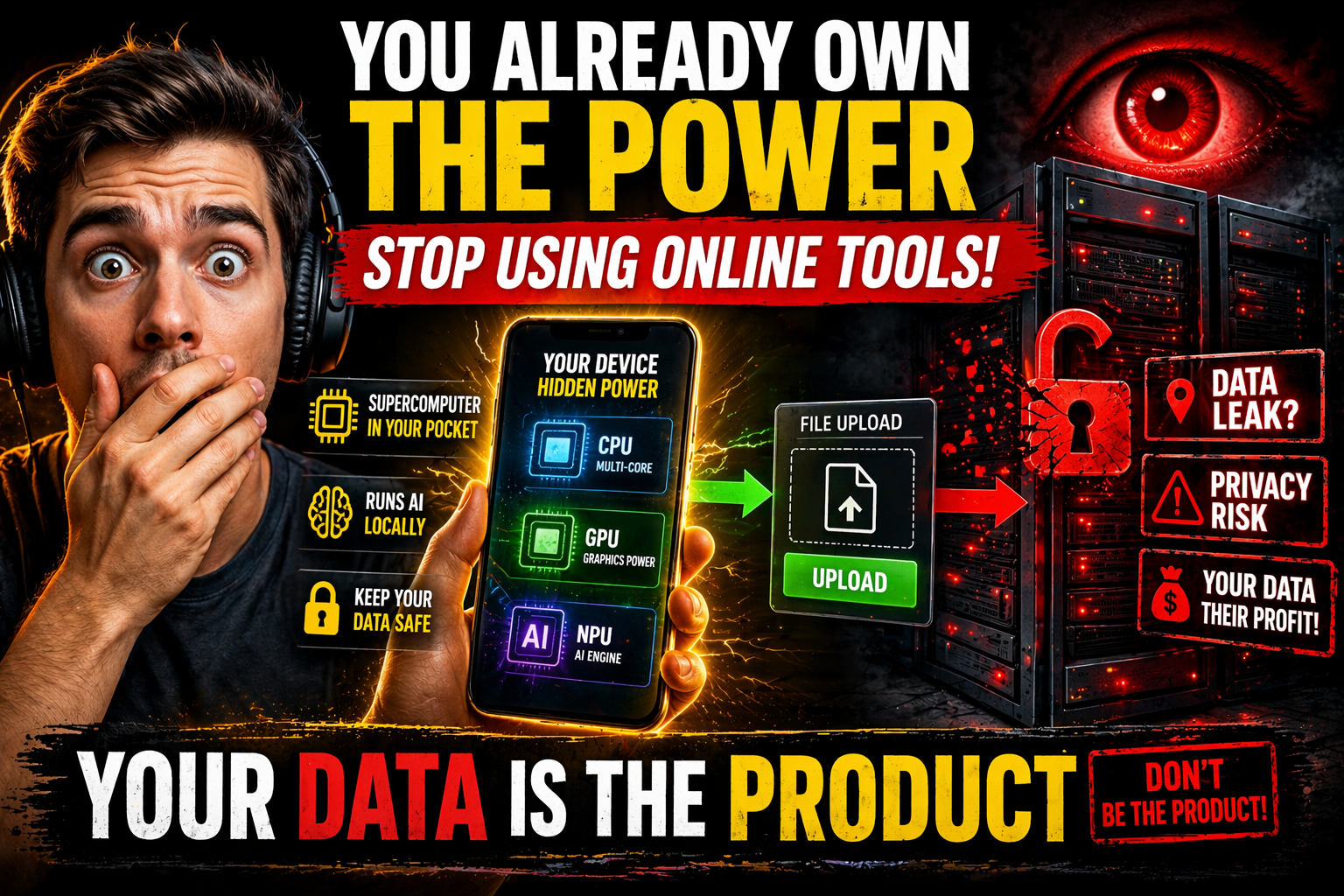
The device you already paid for has everything it needs — the capability gap is by design, not by hardware limitation
Beyond the Browser — Local by Default, for Everyone
I have been building AIToolboxBD with one principle at the center: local by default. Every tool here is designed to eliminate the online tools risk factor entirely — your files never leave your device.
Every browser-based tool on the site processes files on your own hardware. Nothing is uploaded to a remote server. No account required for conversion tasks. No watermarks. No degraded output on a “free tier” — because there is no paid tier that unlocks the real quality. The file stays with you. The processing happens on your CPU and GPU. When you close the tab, there is nothing left on any server anywhere, because nothing was ever sent there.
The stack that makes this possible is WebAssembly, the HTML5 File API, and client-side JS libraries that have been stable and production-ready for years. This is not cutting-edge or experimental. It is just rarely used this way because server-side uploads are more profitable.
But the browser is not the limit. It is the beginning. Modern consumer hardware contains dedicated GPUs, multi-core CPUs, hardware-accelerated video pipelines, and AI inference units. Software built to access these components directly can run lightweight AI models locally — image analysis, background removal, video processing — entirely on hardware the user already owns. The key design rule is non-negotiable: no tool should require expensive hardware as a prerequisite.
PC software and Android apps are coming in the next few days — both built specifically to run well on budget hardware. Not just flagships. The kind of device most people in the world actually own.
What Every Tool at AIToolboxBD Must Be
Every tool built under this philosophy must meet a clear set of requirements — requirements that exist to protect users from every online tools risk factor, not to market to them.
Privacy is not a luxury concern for people with something to hide. Privacy is a basic right of everyone who uses technology — including, and especially, the ordinary person who just wants to convert a file without becoming a data product.
The Device You Carry Is Yours
The phone in your pocket is extraordinary. The laptop on your desk is capable of things you have probably never asked it to do. The hardware you paid for — processors, GPUs, RAM, AI inference units — can be put to work for you in ways most people never experience, because the tools to do it were never built for ordinary users.
The conversion tool that just took your data was not an accident. It was a business model built around the online tools risk factor most users never see. And it only works as long as you do not have a better option.
That changes here. One tool at a time.